Managing a 24/7 workforce requires flexible scheduling. The Shifts Module allows you to define complex shift timings, allocate rosters, and configure automated penalty rules for tardiness.
1. Shift Policies
Start by creating your standard shift timings (e.g., Morning Shift 09:00 - 18:00, Night Shift 22:00 - 06:00).
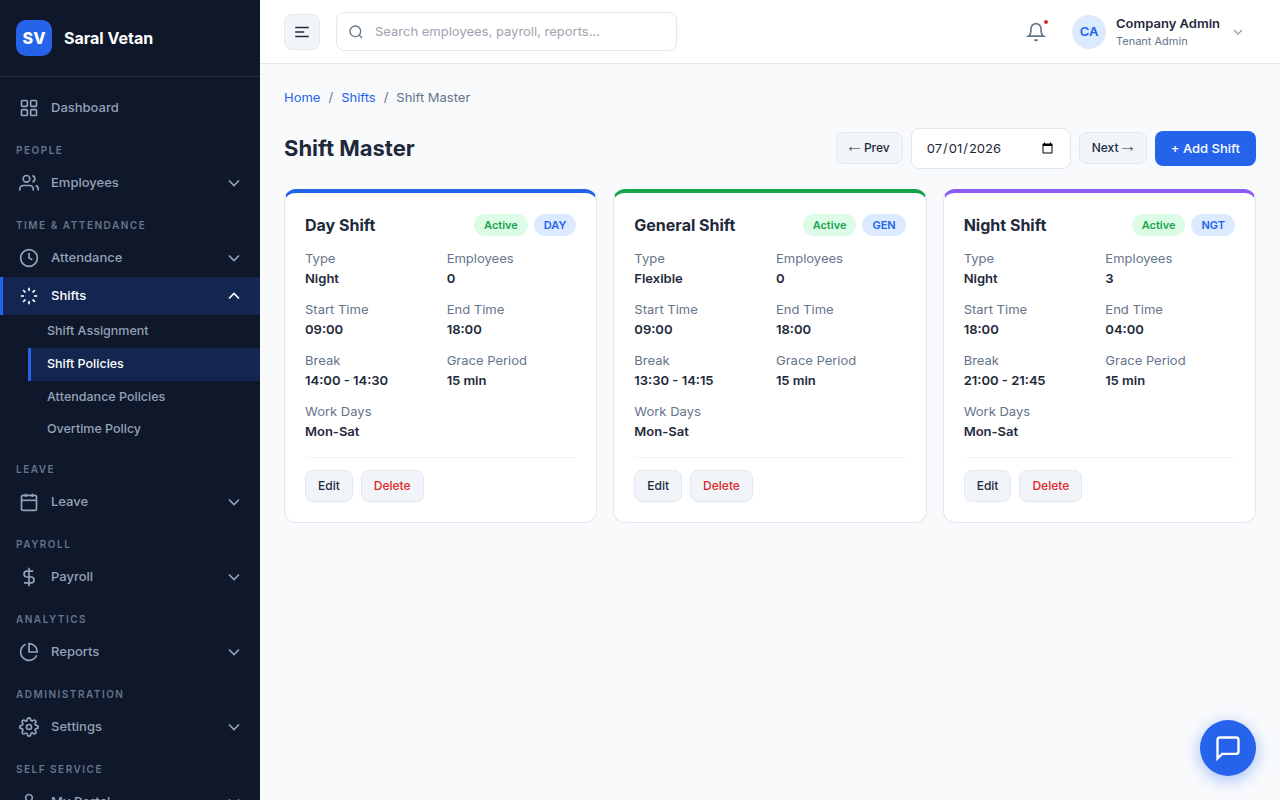
Crucially, you can set "Grace Periods" here (e.g., allowing employees to punch in up to 15 minutes late without penalty).
2. Shift Assignment & Rostering
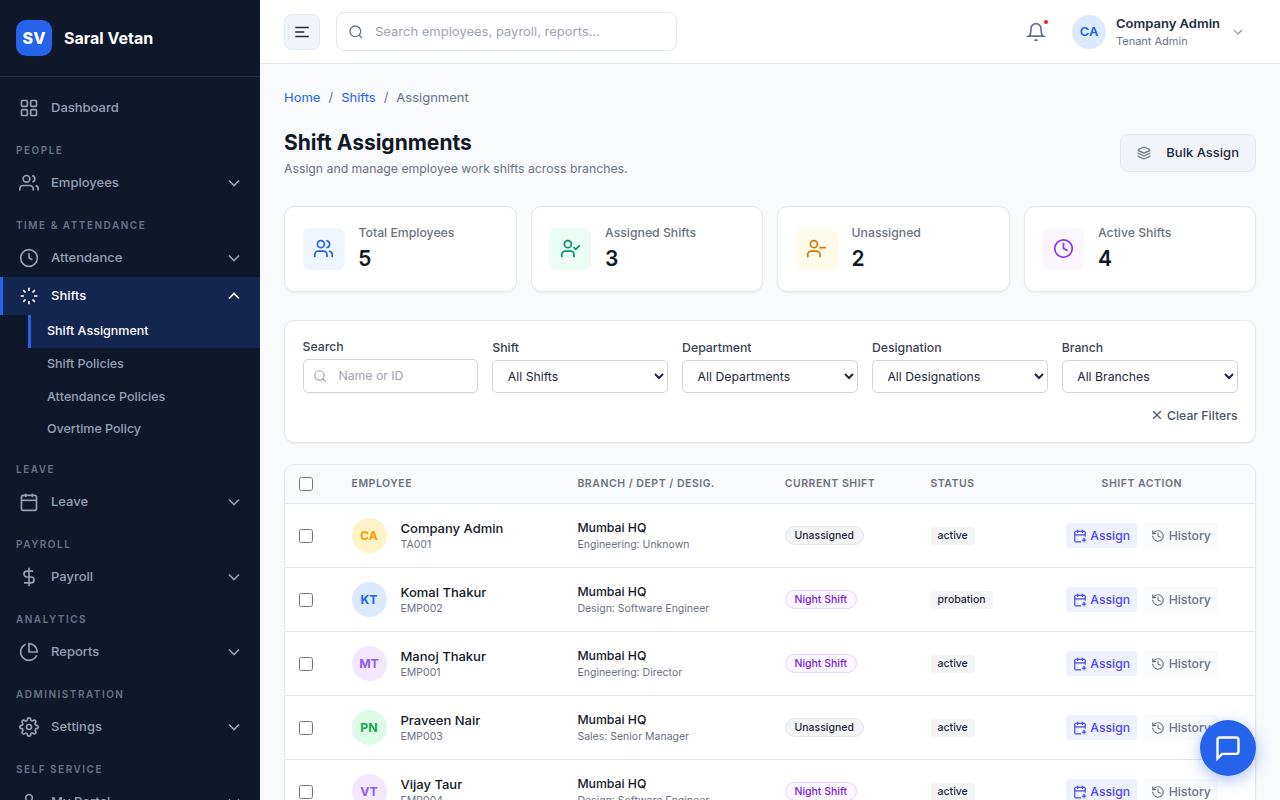
Use the calendar interface to assign employees to their shifts. You can assign fixed shifts indefinitely, or upload a rotational roster for the month.
3. Automated Attendance Policies
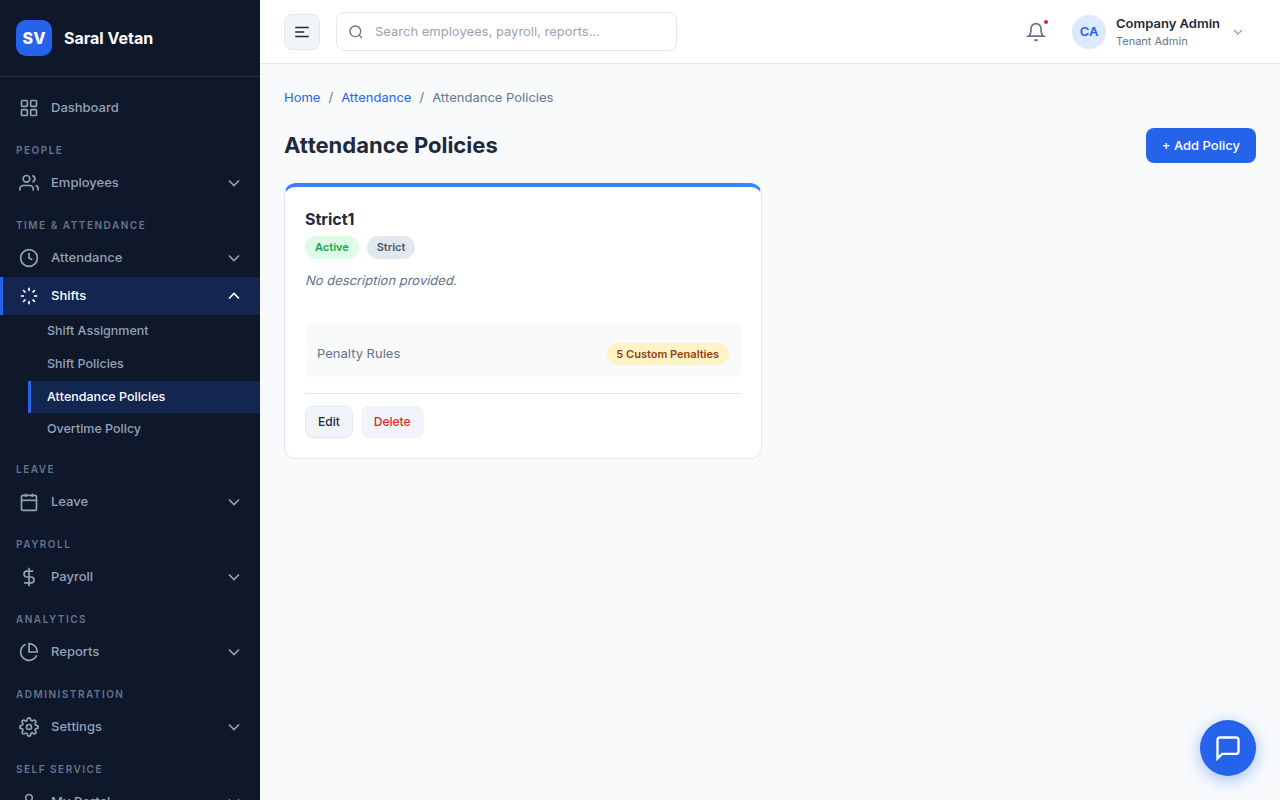
This is a powerful tool to enforce discipline automatically without manual HR intervention.
How to configure penalties:
- Navigate to Attendance Policies.
- Use the rule builder: "If an employee is Late by [15] minutes for [3] days in a month..."
- Set the consequence: "...Deduct [0.5] days of Earned Leave (or apply Loss of Pay)."
💡 Tip: You can create different penalty rules for different departments, giving grace to sales staff while strictly enforcing factory floor timings.