The Settings Module is restricted to Tenant Admins. It allows you to customize the underlying architecture of your Saral Vetan environment.
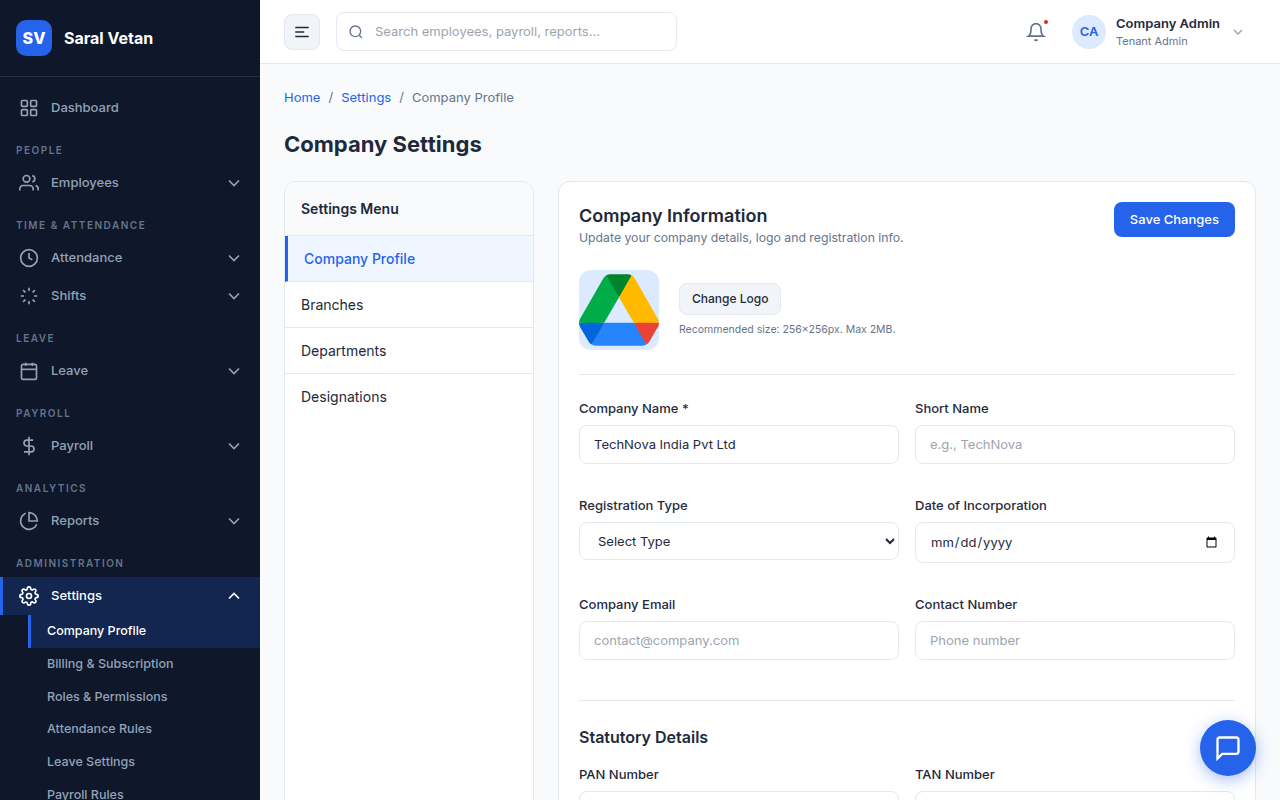
1. Company Profile
Manage your legal entity details, upload your corporate logo (which appears on payslips), and update your registered addresses.
2. Roles and Permissions (RBAC)
Saral Vetan uses strict Role-Based Access Control. By default, you have Admin, HR Manager, and Employee roles.
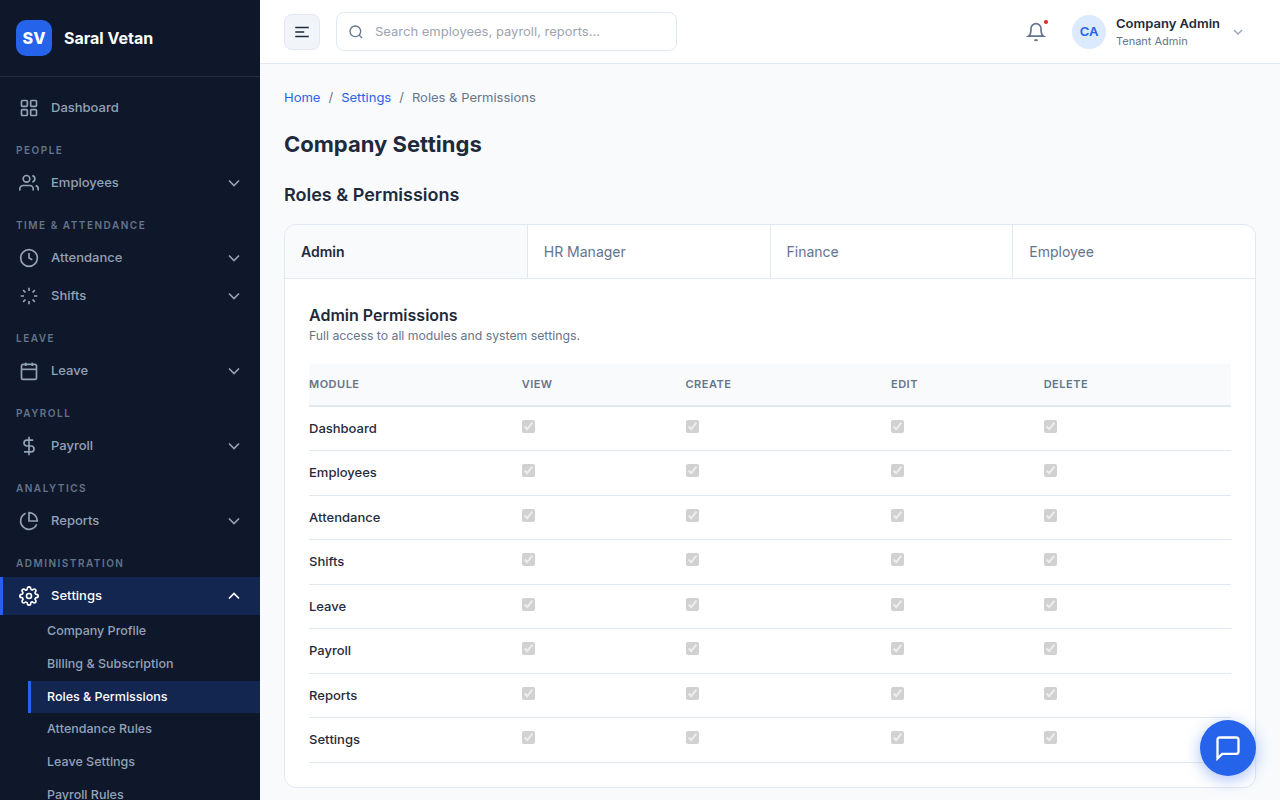
Creating Custom Roles:
- Click Add Role.
- Name the role (e.g., "Branch Accountant").
- Select granular permissions (e.g., Grant "View Reports" but restrict "Process Payroll").
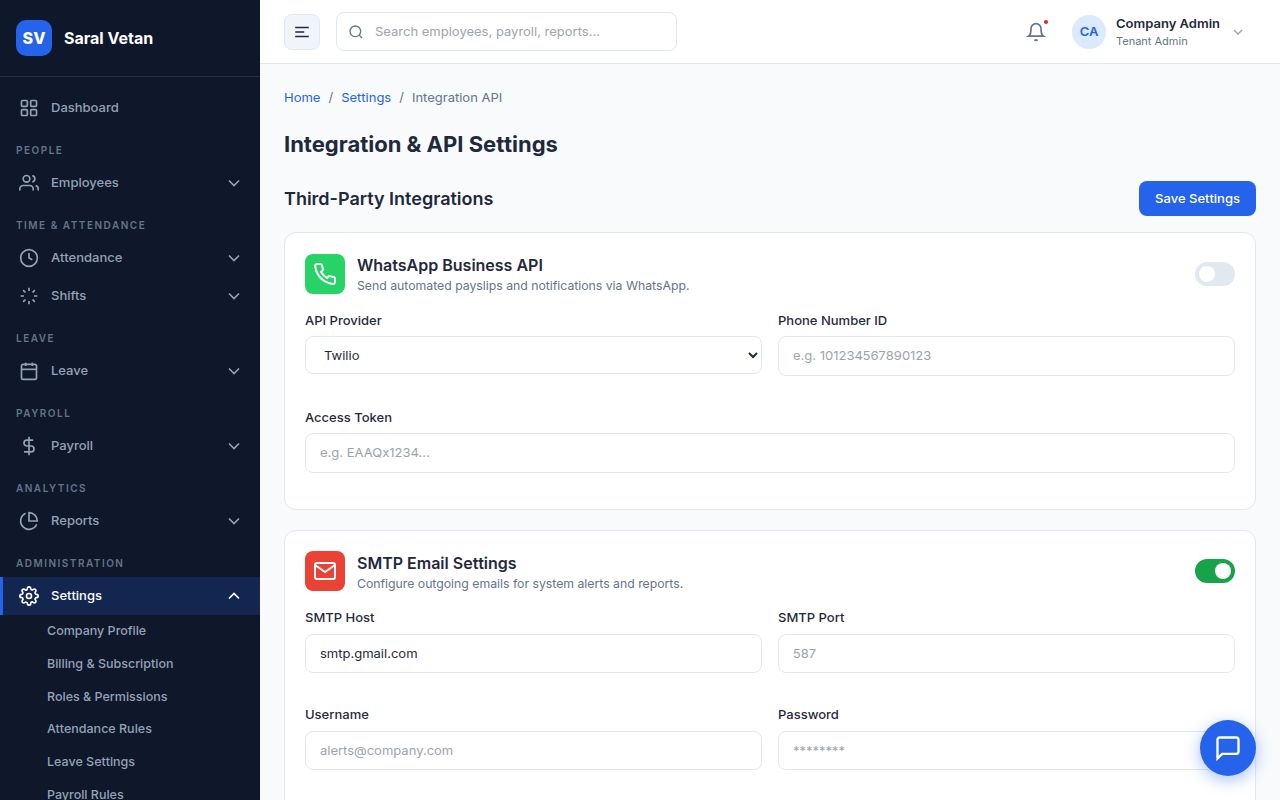
3. API & Integrations
Generate API keys to integrate Saral Vetan with your existing ERP, accounting software (like Tally), or biometric hardware.
4. Holiday Calendar
Define mandatory public holidays. The payroll engine will automatically treat these days as paid time off.
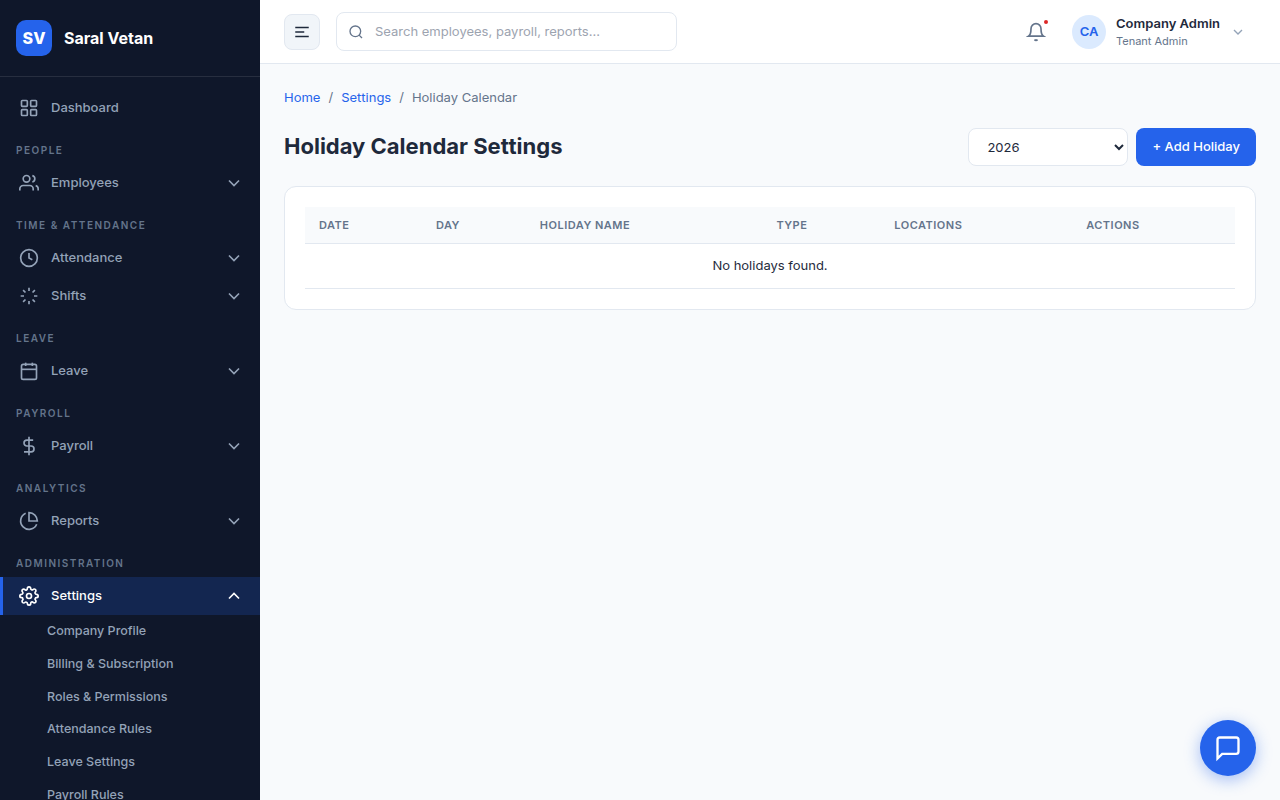
💡 Tip: You can create different Holiday Calendars for different branches to comply with state-specific festival holidays!