The Employee Self-Service (ESS) Portal dramatically reduces the administrative burden on HR by allowing employees to manage their own data securely.
1. My Dashboard
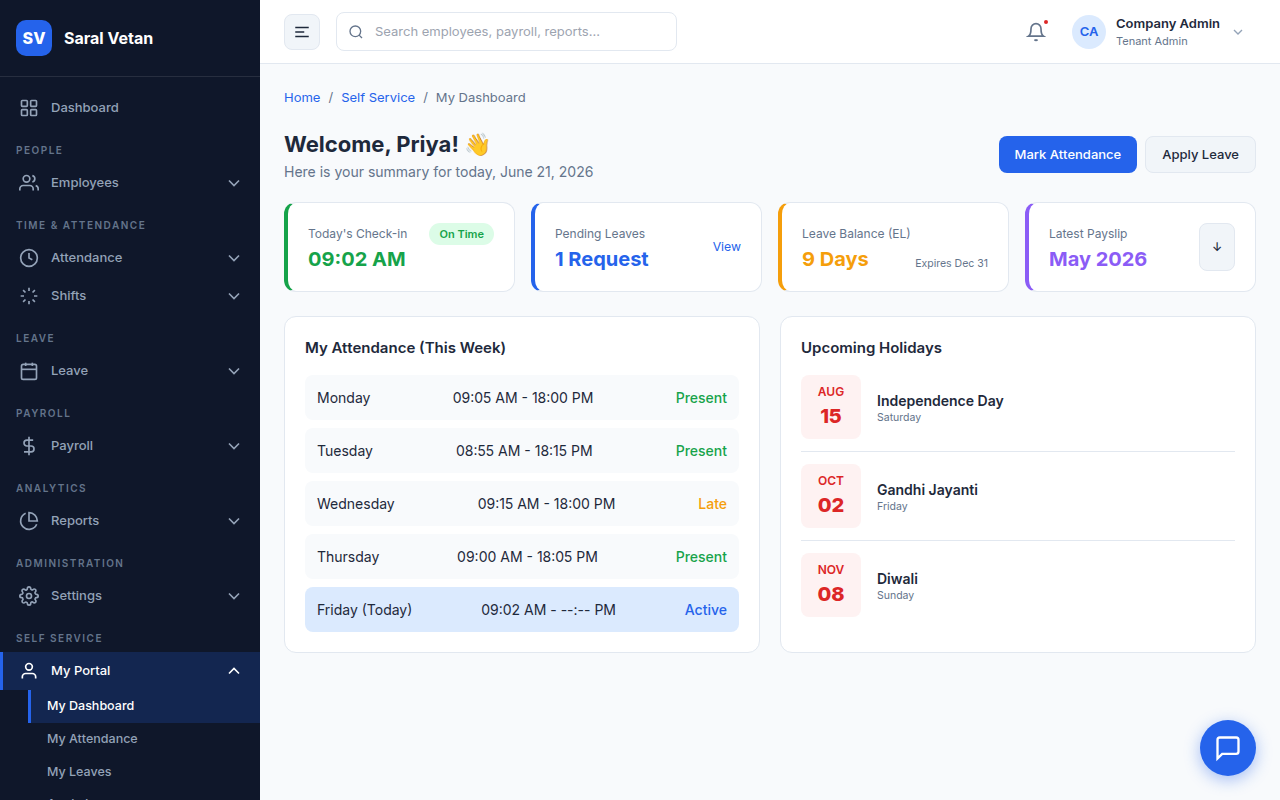
Upon logging in, the employee sees their personalized dashboard highlighting their current leave balances, recent announcements, and a quick-punch widget.
2. Leave Applications
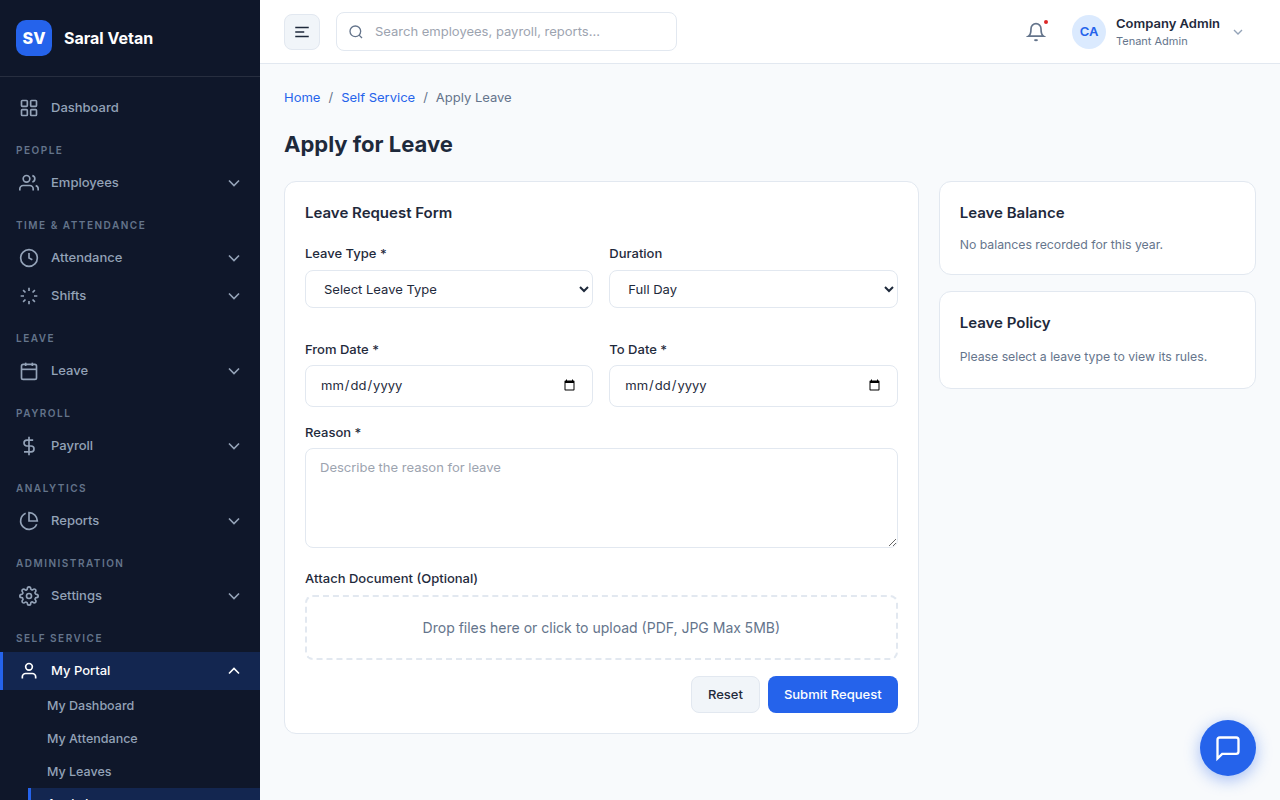
Employees can apply for leave directly through the portal. They can view the Team Calendar to see if colleagues are already absent, reducing the likelihood of rejection.
The Leave Process:
- Select Leave Type and Dates.
- Add a justification.
- Upon submission, their manager receives an instant notification.
3. Downloading Payslips
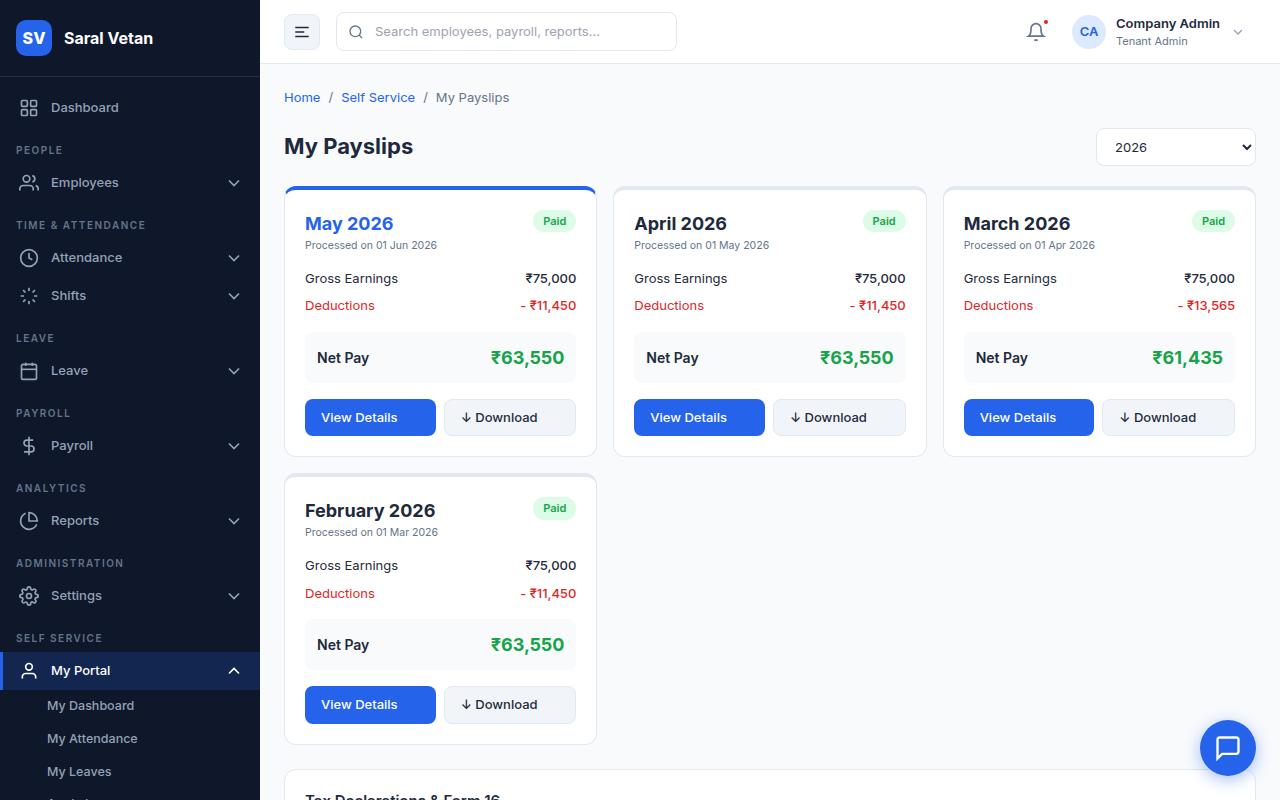
The most visited section of the portal. Employees can securely view and download historical payslips as PDFs for loan applications or personal records.
4. My Team (For Managers)
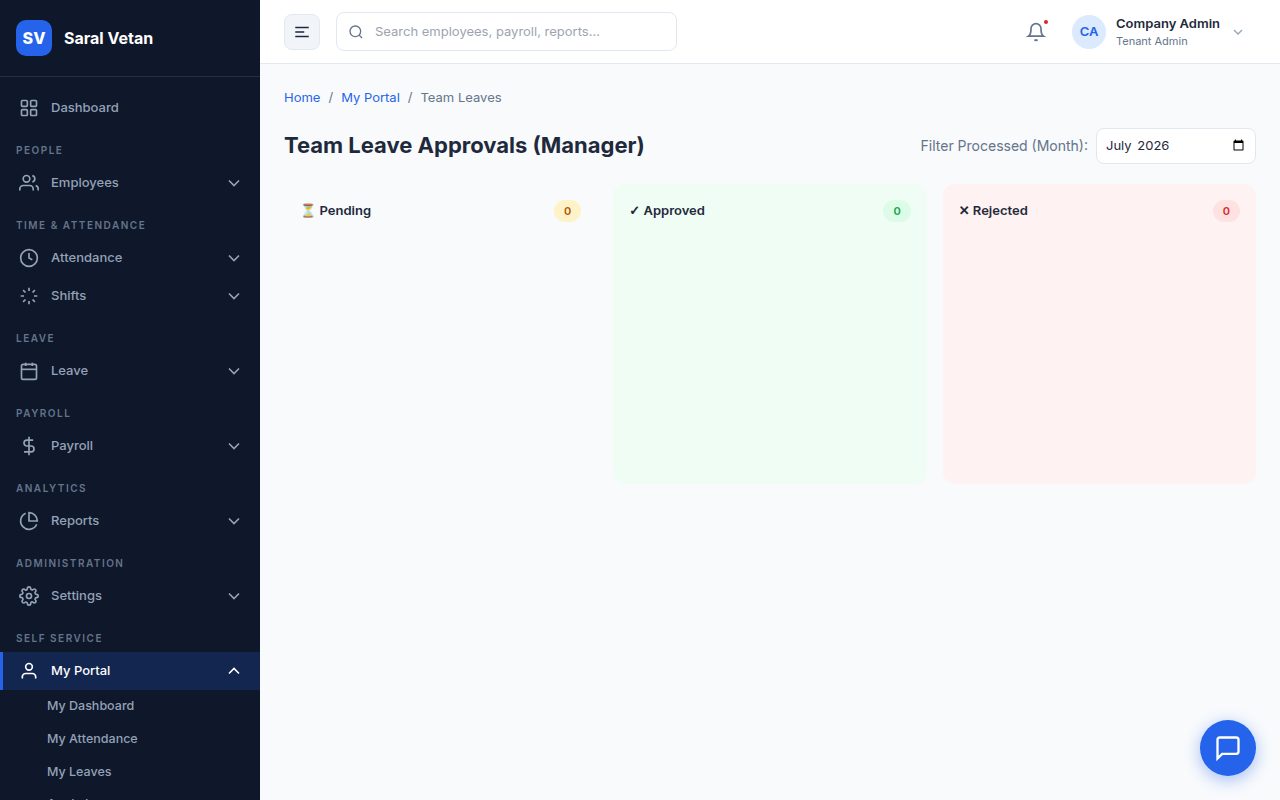
If the logged-in employee has managerial privileges, they gain access to the "My Team" tab to approve their direct reports' leaves and attendance corrections without needing full Admin access.
💡 Tip: Encourage employees to use the mobile progressive web app (PWA) to access the portal directly from their smartphone homescreen!