The Leave Module ensures your company complies with statutory time-off requirements while preventing understaffing through transparent team calendars.
1. Leave Dashboard
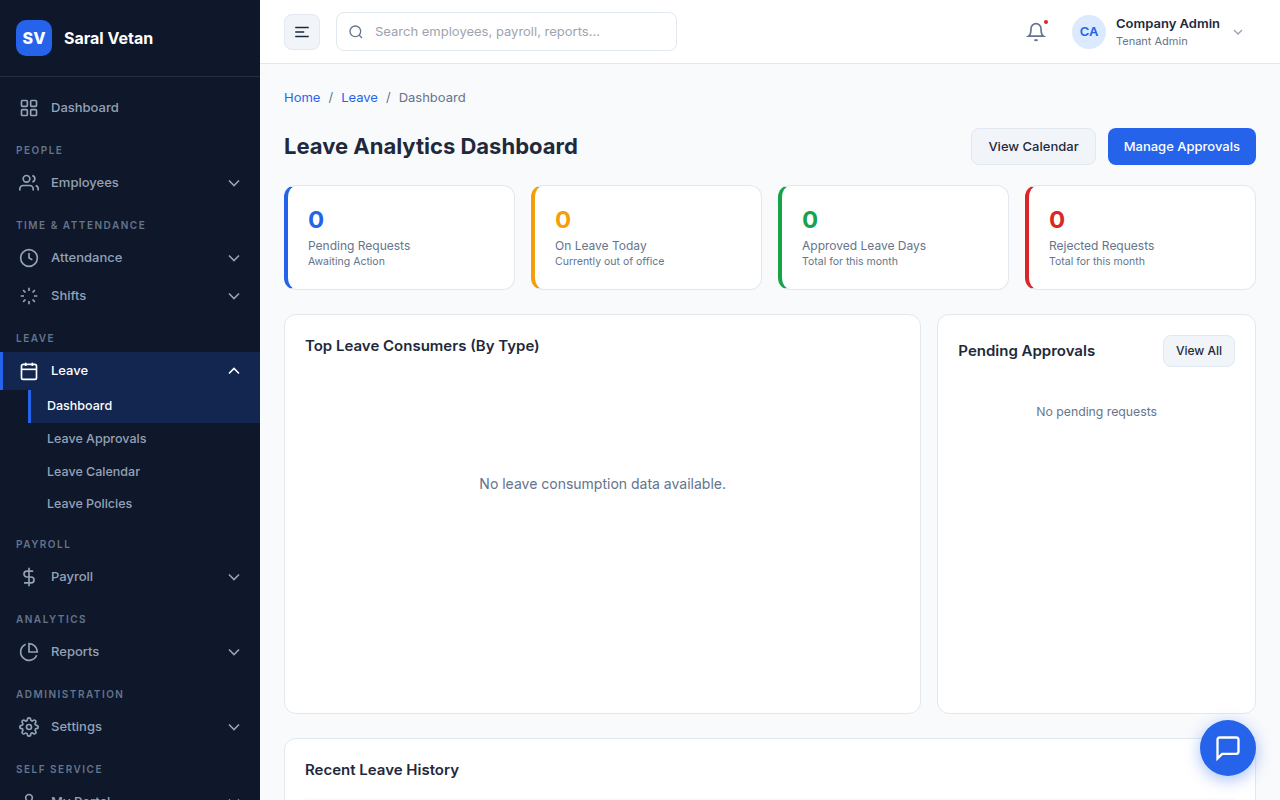
The dashboard provides a macro view of the organization's leave trends, showing who is on leave today and who has upcoming planned time off.
2. Processing Approvals
When an employee requests leave, it enters the Approval Workflow (which can be configured to route through their immediate manager before reaching HR).
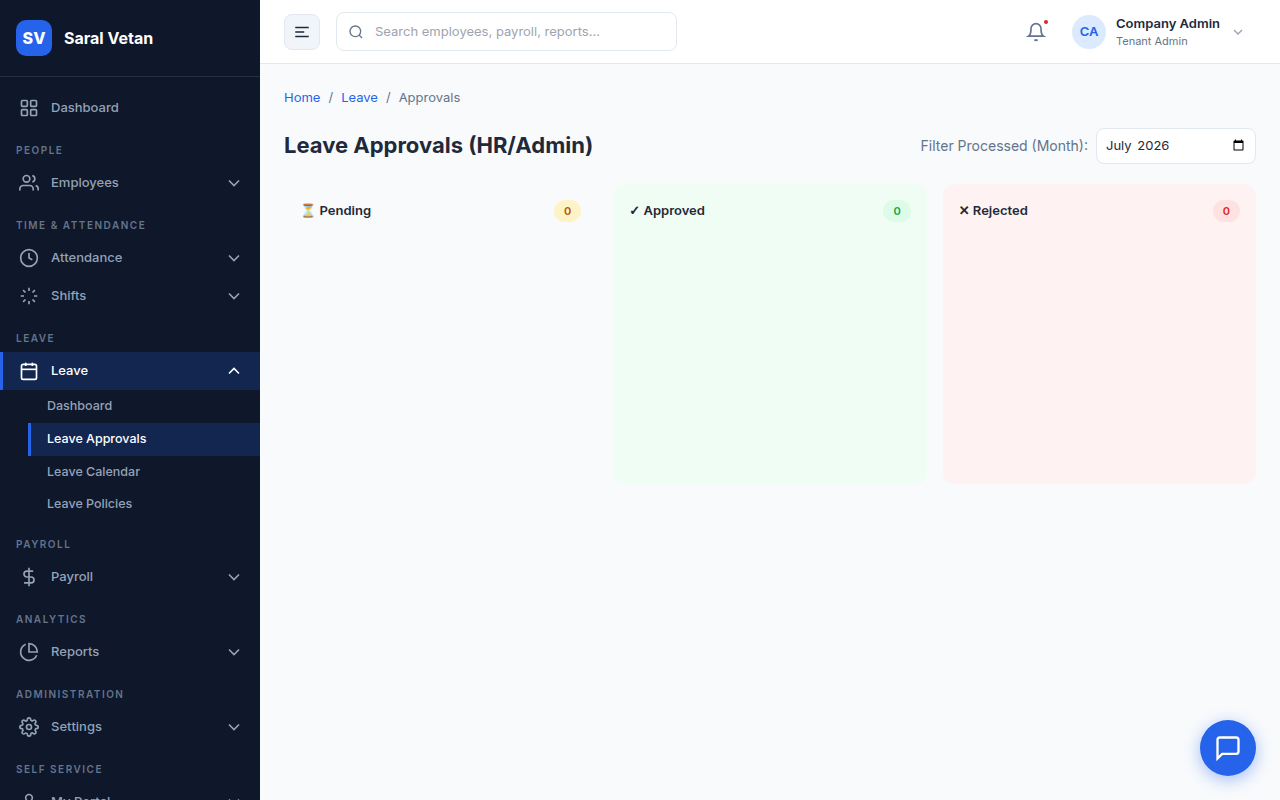
How to process requests:
- Click on the pending request to view the employee's available leave balance.
- Check the "Team Calendar" embedded in the request to ensure no other critical team members are absent on those dates.
- Approve or Reject. If rejected, you must provide a justification note.
3. Leave Calendar
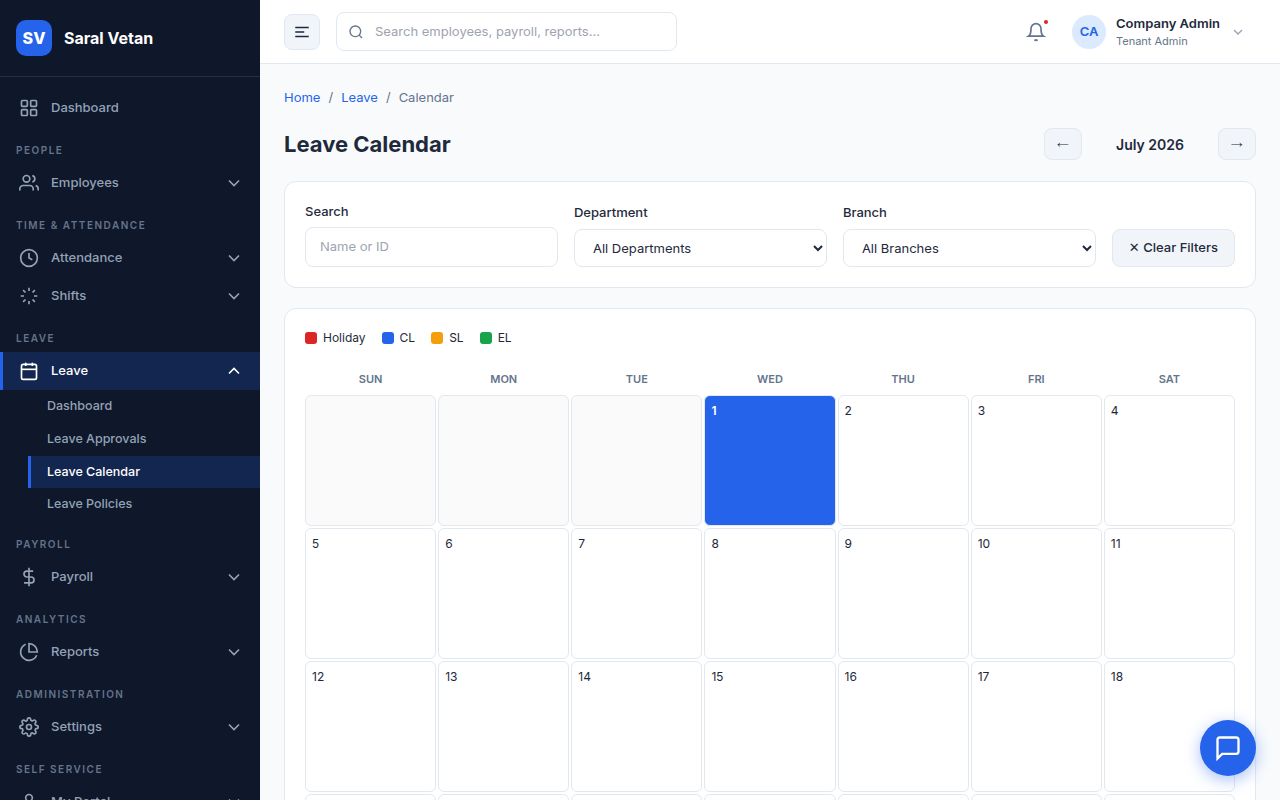
The global calendar visually maps out all approved leaves and company holidays.
4. Leave Policies
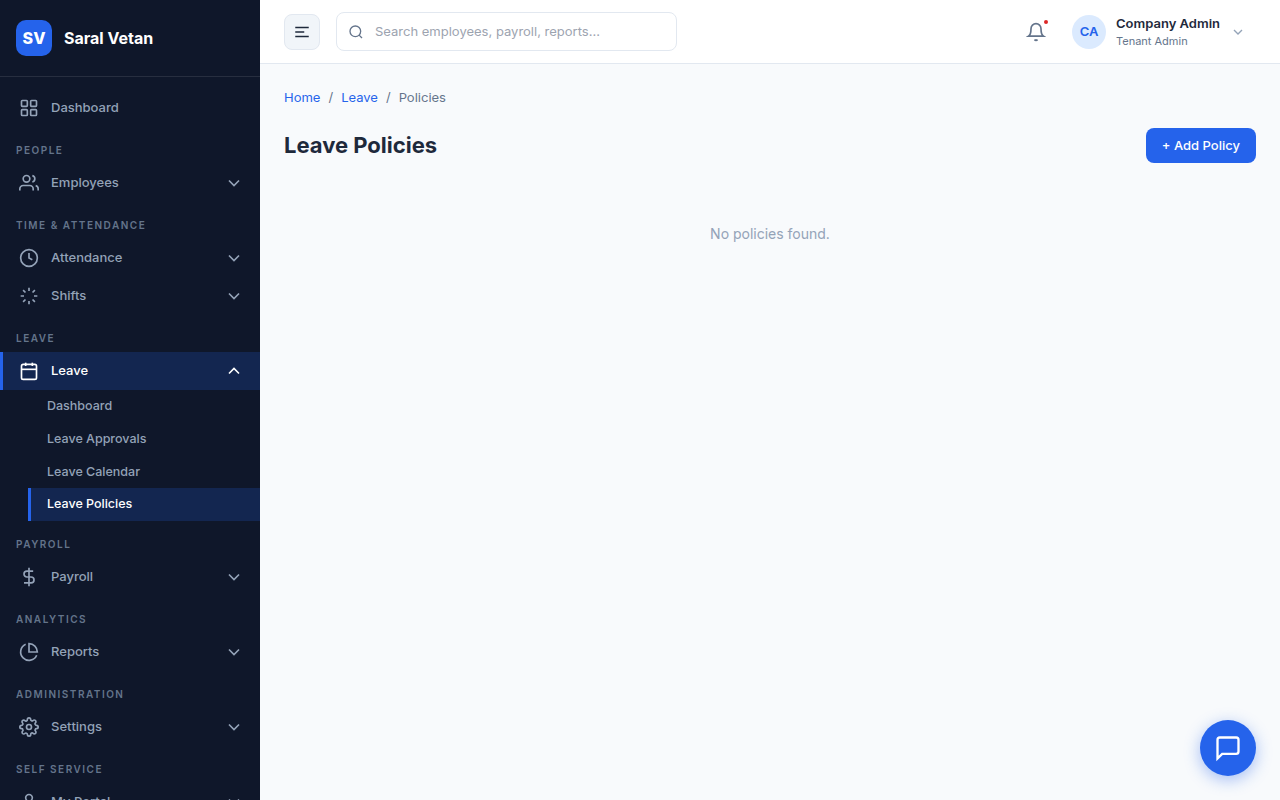
Configure different pools of leave (e.g., 12 Casual Leaves, 15 Sick Leaves, Maternity Leave) and their accrual rules (e.g., credited monthly vs annually).
💡 Tip: You can configure 'Carry Forward' rules to automatically move unspent Earned Leave into the next financial year!