Welcome to Saral Vetan! We've made the onboarding process incredibly simple. Within 10 minutes, you can have your entire company configured and ready to invite employees.
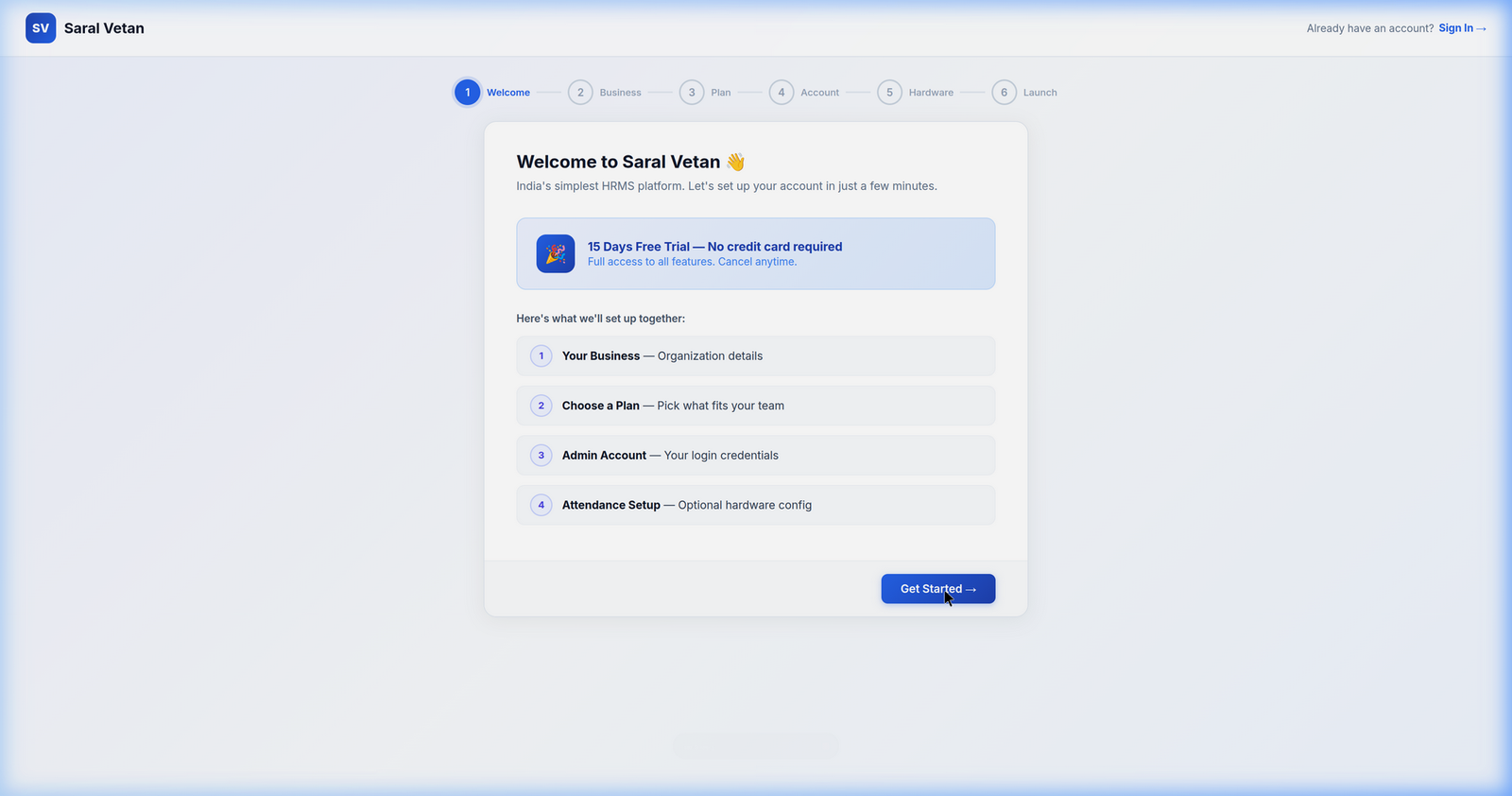
1. The Welcome Screen
Upon your first login, the system will greet you with a guided setup wizard.
2. Business Information
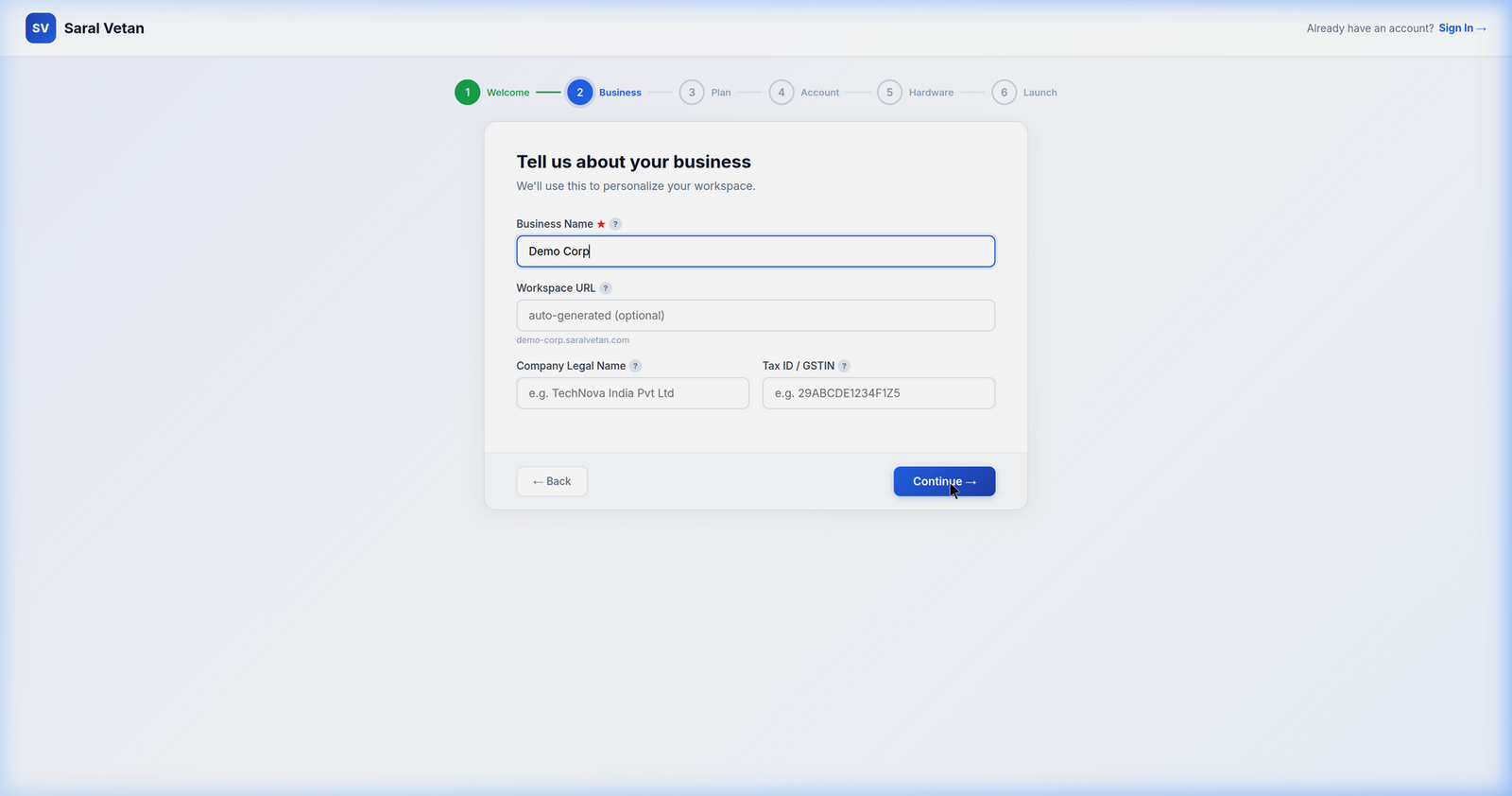
Start by providing your legal business details. This information will be used to automatically format your statutory compliance reports (like PF and ESIC).
3. Selecting a Plan
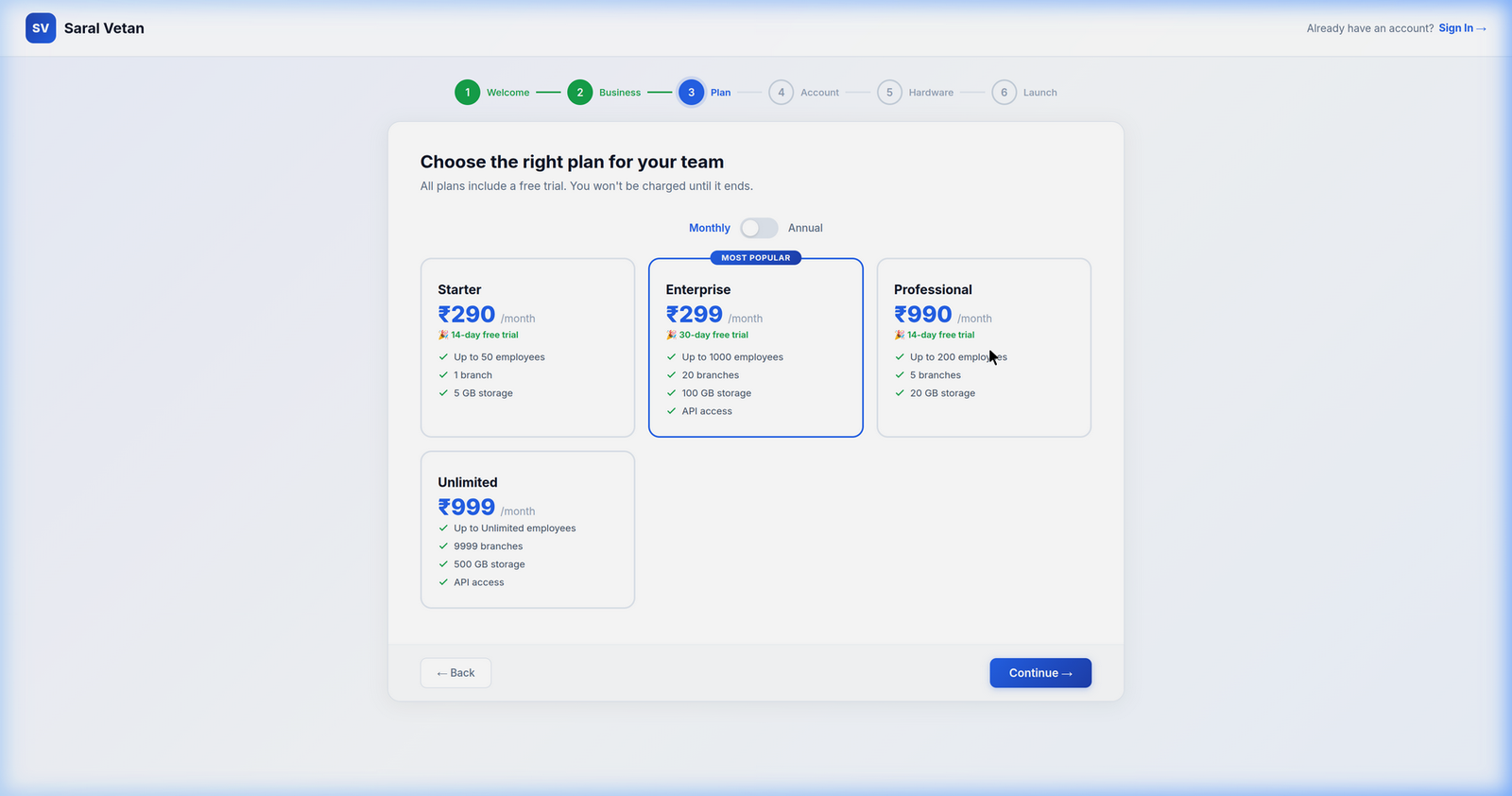
Choose the subscription tier that best fits your workforce size. Remember, your first 15 days are completely free on any tier.
4. Creating the Admin Account
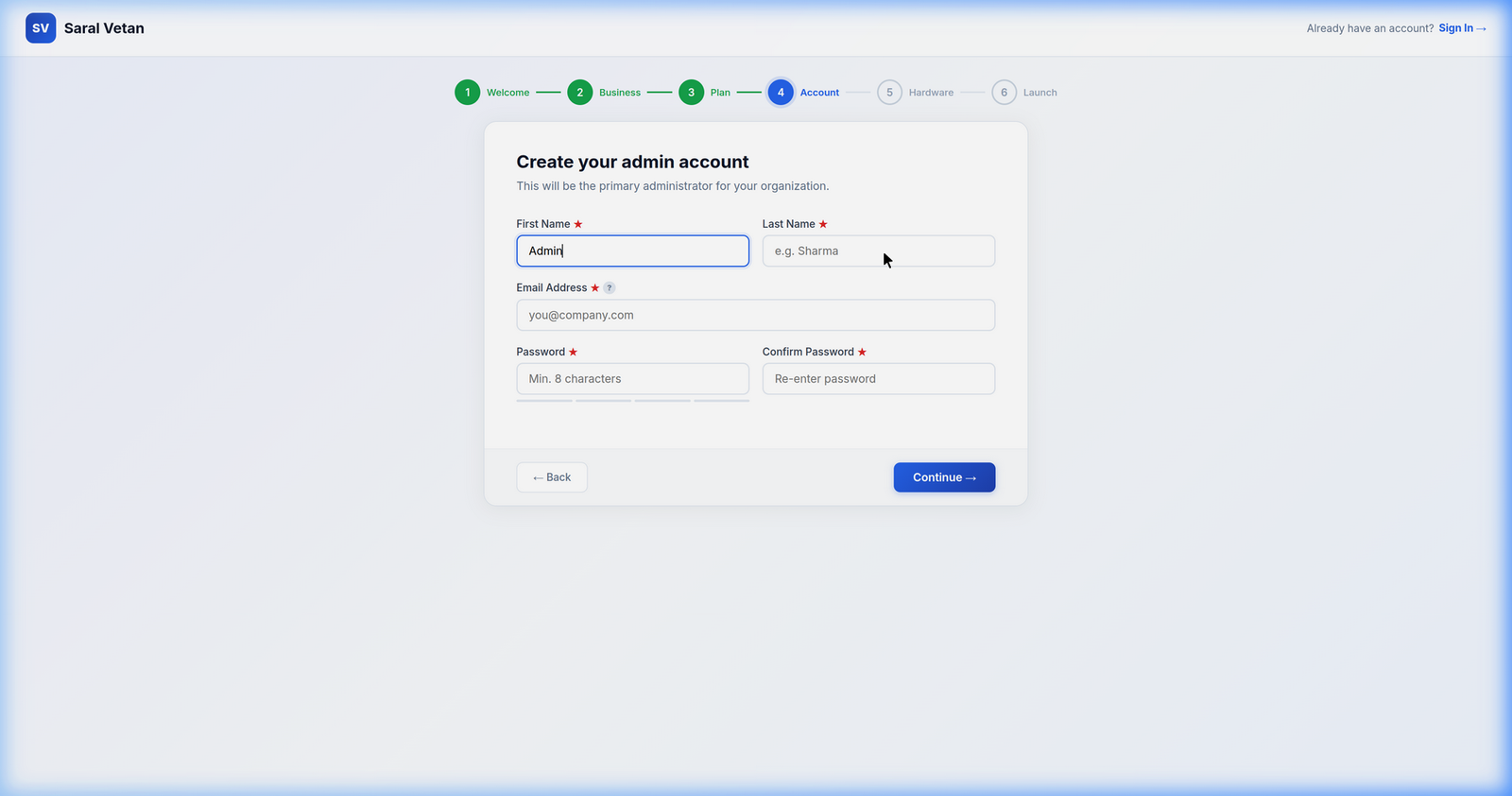
Set up the master Tenant Admin credentials. This account will have supreme access over all configurations and billing settings.
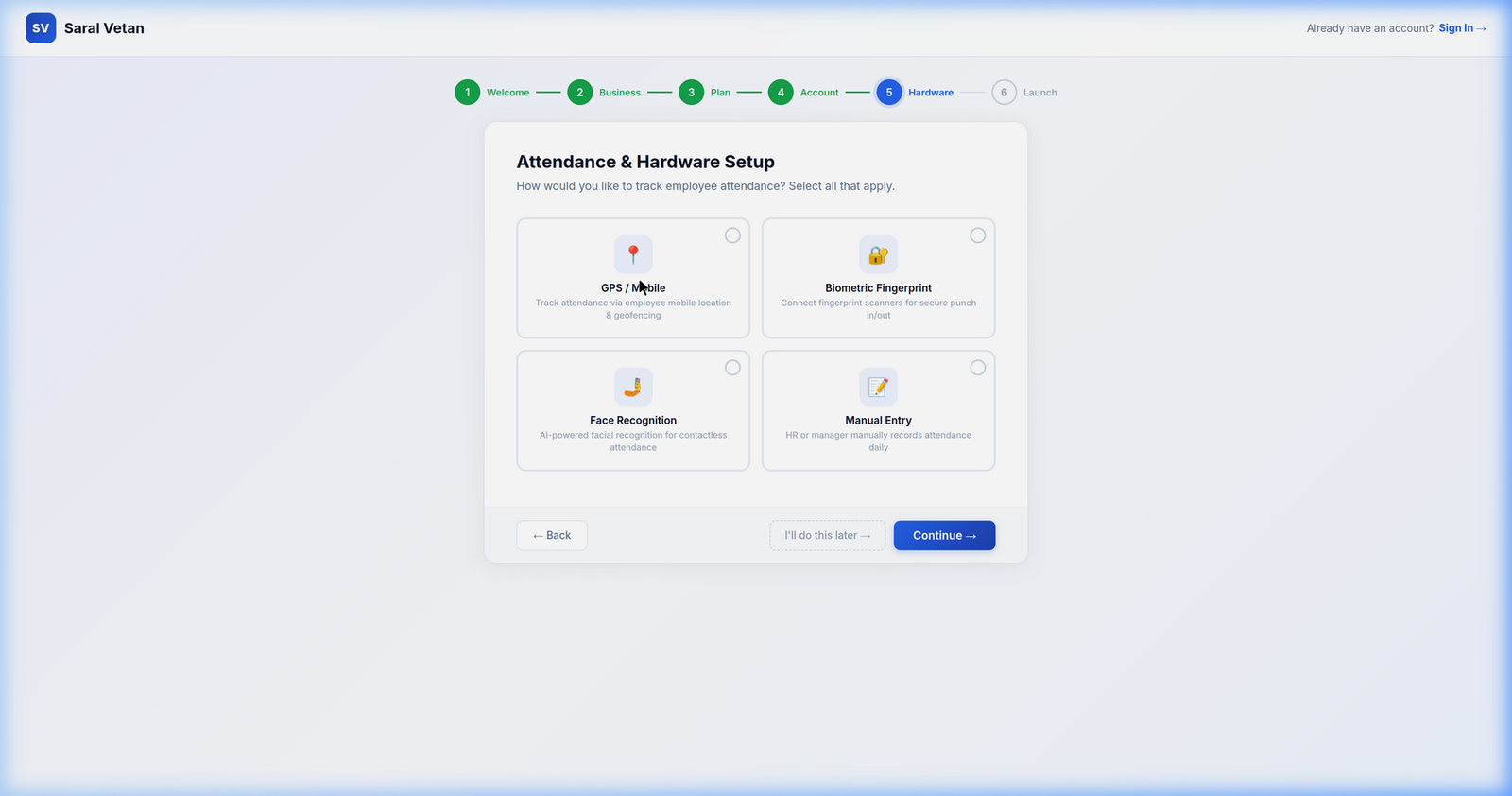
5. Hardware Integration
If you have existing biometric devices, you can configure their API endpoints here. Otherwise, you can skip this step and rely entirely on the mobile and web punch-in systems.
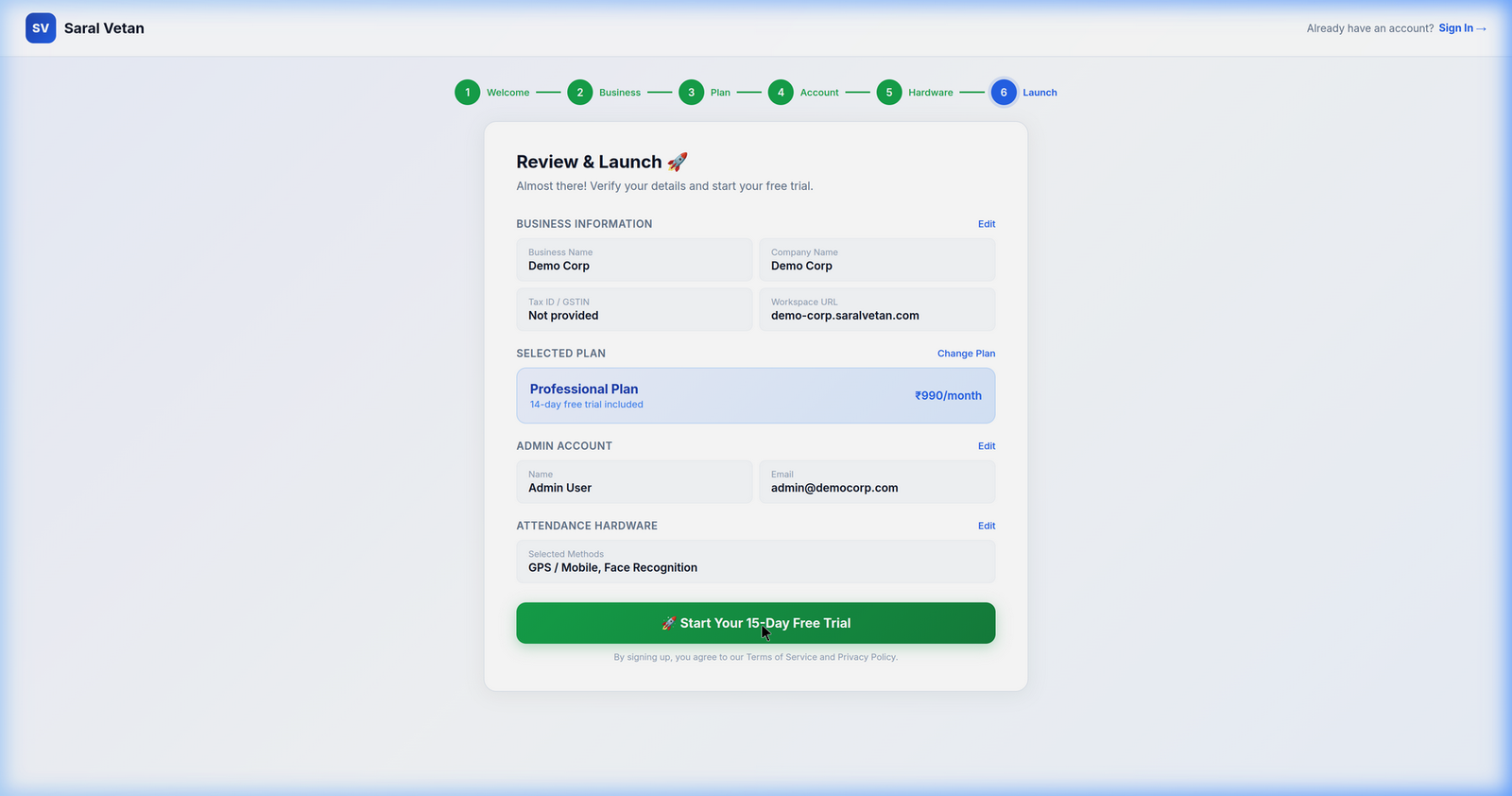
6. Final Review
Review all your configurations. Once you click "Launch Dashboard", your workspace is provisioned and ready for action!
💡 Next Steps: Once inside the dashboard, head over to the Settings Module to upload your company logo and add your holiday calendar!