The Employees Module is the core repository of your HRMS. It handles the complete lifecycle of your staff from digital onboarding to maintaining their compliance documents.
1. Employee Directory
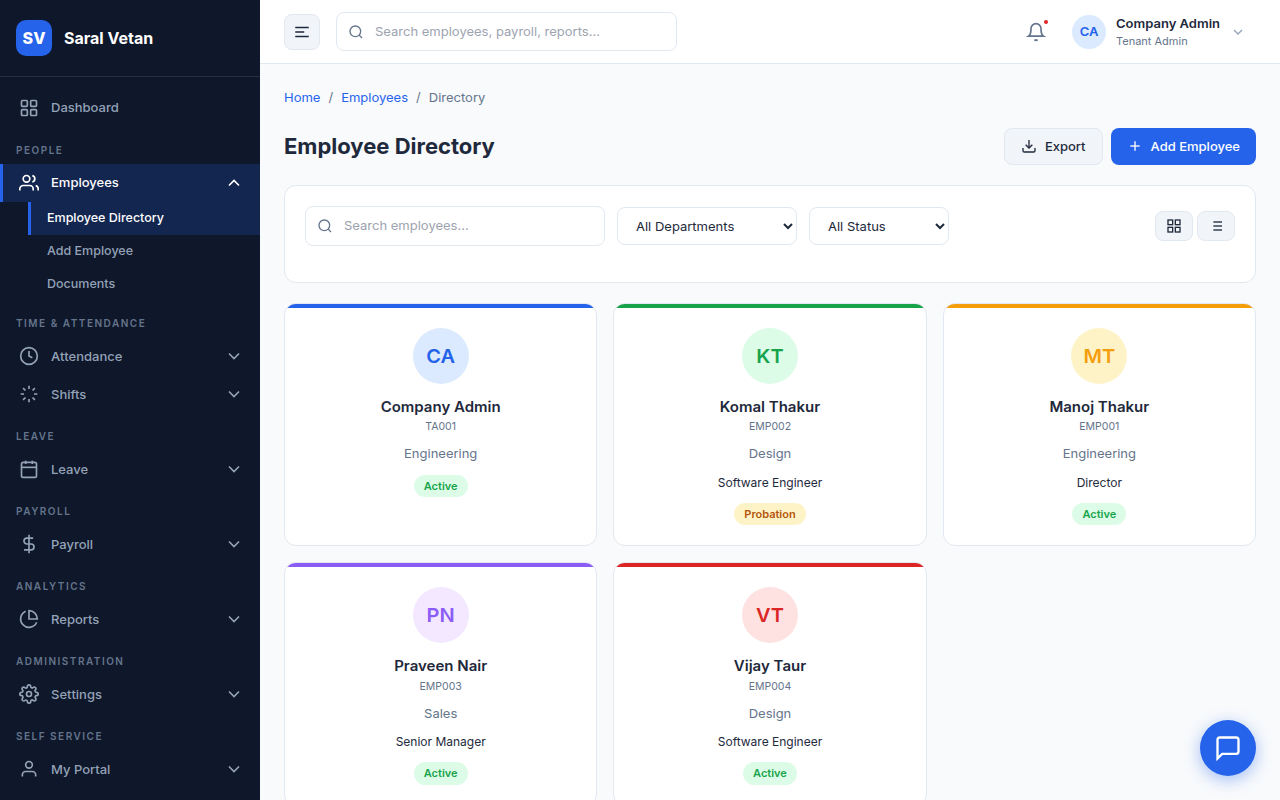
The directory provides a searchable, filterable grid of all active and inactive employees across your branches.
2. Digital Onboarding
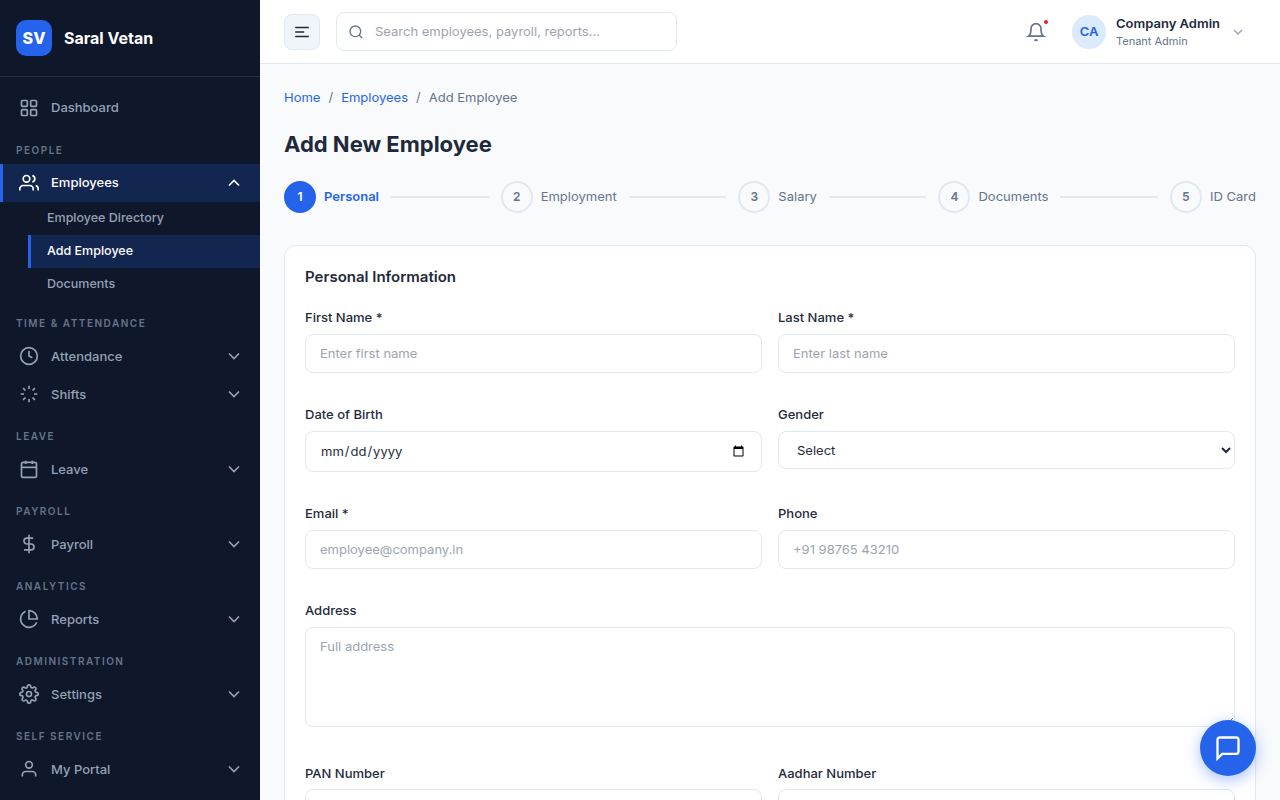
To add a new employee, click the Add Employee button. This opens the comprehensive onboarding form.
Steps for Onboarding:
- Fill in the mandatory Personal Details (Name, DOB, Contact).
- Assign the Professional Details including their Department, Designation, and Branch.
- Input Statutory Info like PAN, Aadhar, and UAN for automated PF/ESIC handling.
- Click Submit. The system will automatically generate an Employee ID and email them an invitation to the Self-Service Portal.
3. Secure Document Vault
Instead of maintaining physical filing cabinets, use the Document Vault to upload encrypted copies of ID proofs, offer letters, and contracts directly to the employee's profile.
💡 Tip: Use the 'Bulk Import' feature via Excel if you are migrating hundreds of employees from legacy software!